Reference
The full version
What Procol Camera does for free, what the €12 full version adds, how to buy it once and how to restore it on another iPhone.
Procol Camera is a free download from the App Store and can be used in full: shooting, contact sheet, styles, the Essentials, the Bench, zooming into the print. Everything in this guide.
The only thing the free version does not do is let images out of the app. The full version unlocks it.
| Free | Full | |
|---|---|---|
| Shooting, RAW included | ✓ | ✓ |
| Contact sheet, styles, Essentials, Bench | ✓ | ✓ |
| Printing and reprinting frames | ✓ | ✓ |
| Saving prints to Photos | — | ✓ |
| Sharing them (AirDrop, Messages, Mail, Files…) | — | ✓ |
Price#
€12, once. It is not a subscription: it does not renew and does not expire. The price shown by the App Store in your currency applies.
How to buy#
Open a frame and tap the padlock at the top right: the Full version sheet opens. Tap Unlock · 12 € and confirm with your Apple Account like any App Store purchase. The padlock turns into the save and share buttons straight away.
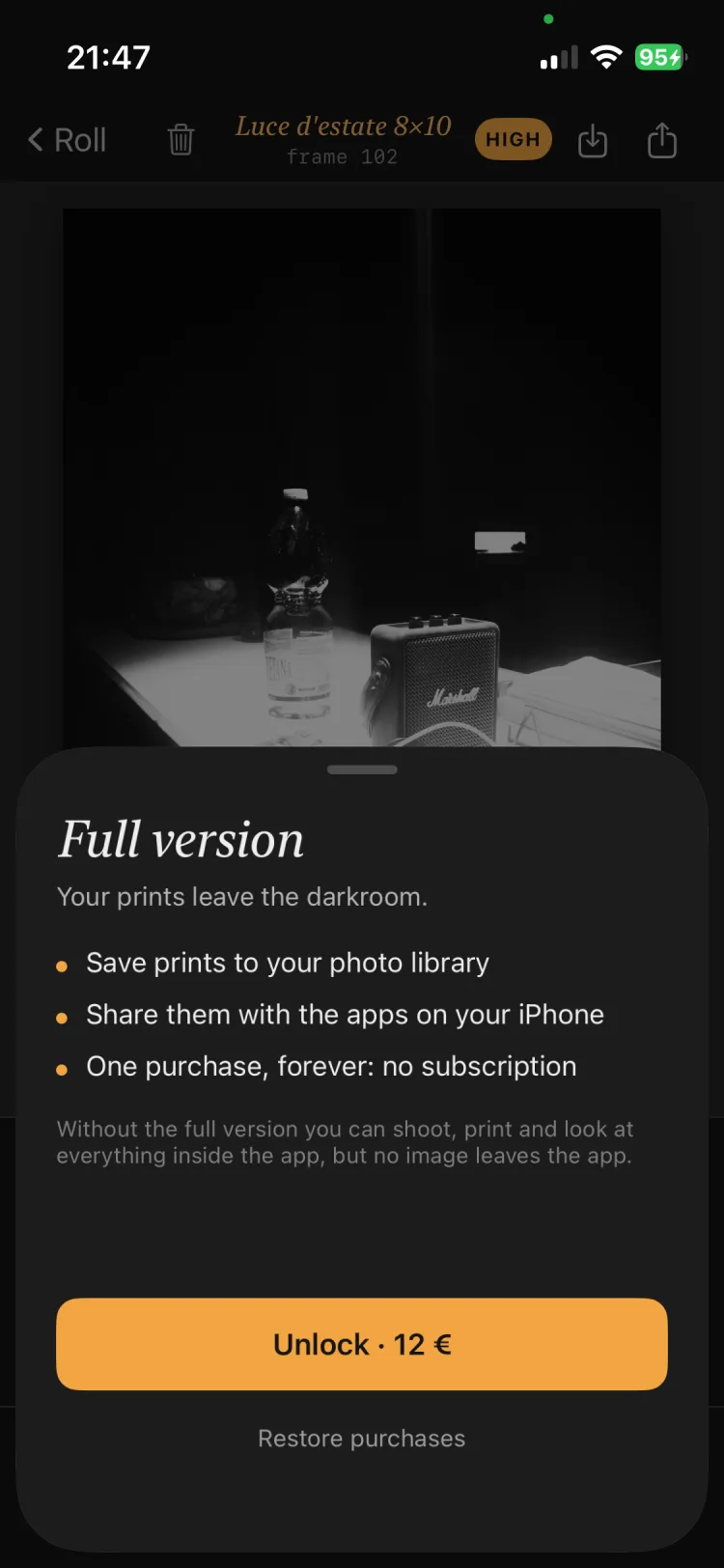
Payment is handled by Apple: Procol never sees your payment details, your name or your email.
On another iPhone, or after reinstalling#
The purchase belongs to your Apple Account, on every iPhone where you use it. Procol usually finds it by itself. If you still see the padlock, open the sheet and tap Restore purchases.
Refunds#
Refunds for App Store purchases are handled by Apple at reportaproblem.apple.com.
And the Mac darkroom?#
They are two different apps with separate purchases. The Procol Camera full version is for iPhone; Procol for Mac has its own subscription (docs.procol.it/en/mac.html).